10 things you need to have on your campsite website
As campsite owners, there are lots of things on your to do list, from processing bookings and welcoming visitors, to helping your on-site guests, cleaning facilities and even mowing the grass. Marketing might not be your top priority, but if you get it right, you might see your bookings increase for the season ahead.
Here are 10 things you absolutely need on your campsite website:
1. Location and “how to find us”
This is one of the first things people will want to know when they land on your website (if they don’t know already). This will help them rule you out if you’re too far away, or continue to learn more if it’s an area they’re keen to visit. Having a map showing your location is even more useful if you’re in a less well-known area of the country.
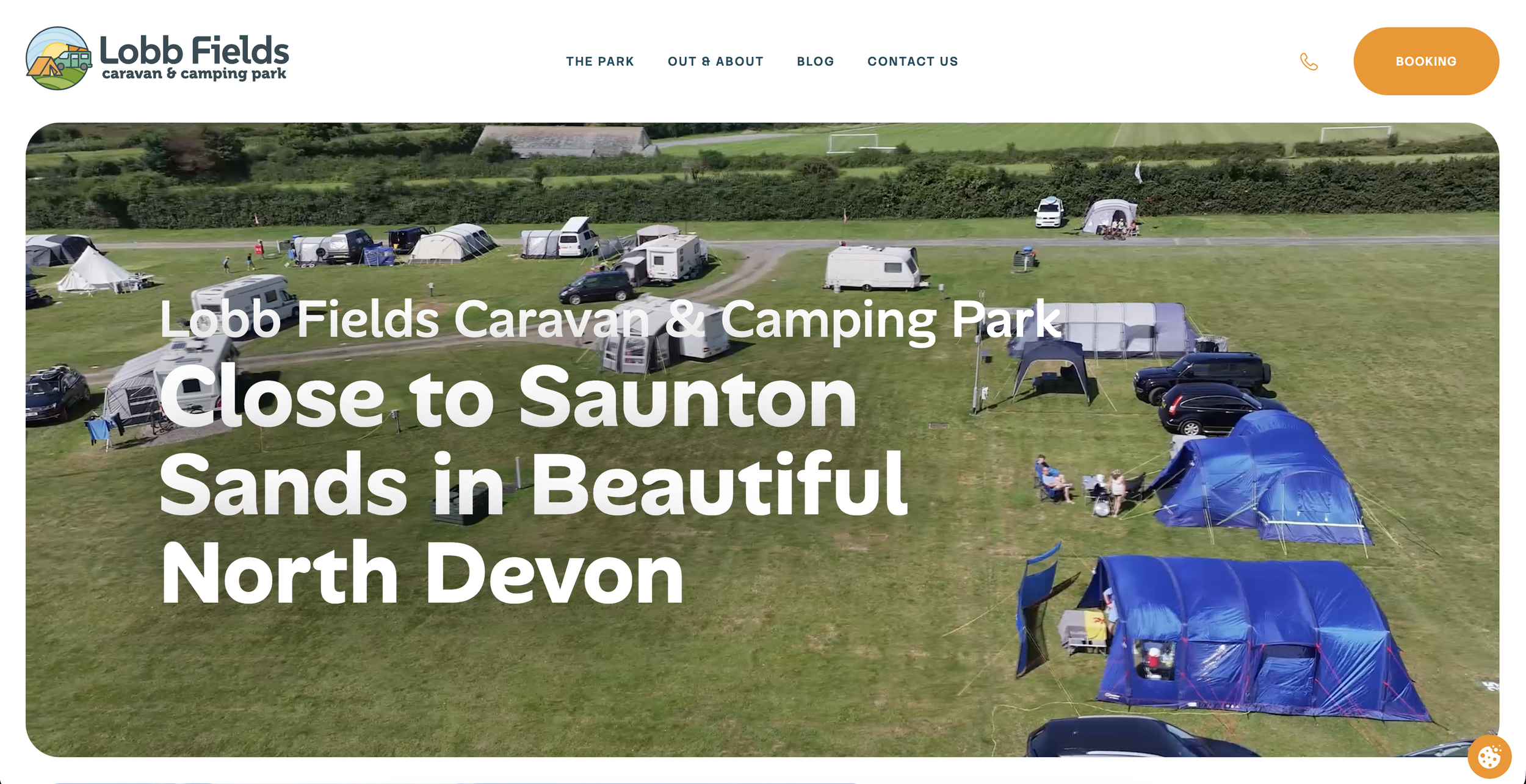
Lobb Fields reinforce their North Devon location in various places on their website, and even have a map at the bottom of their homepage that you can explore further.
2. Facilities
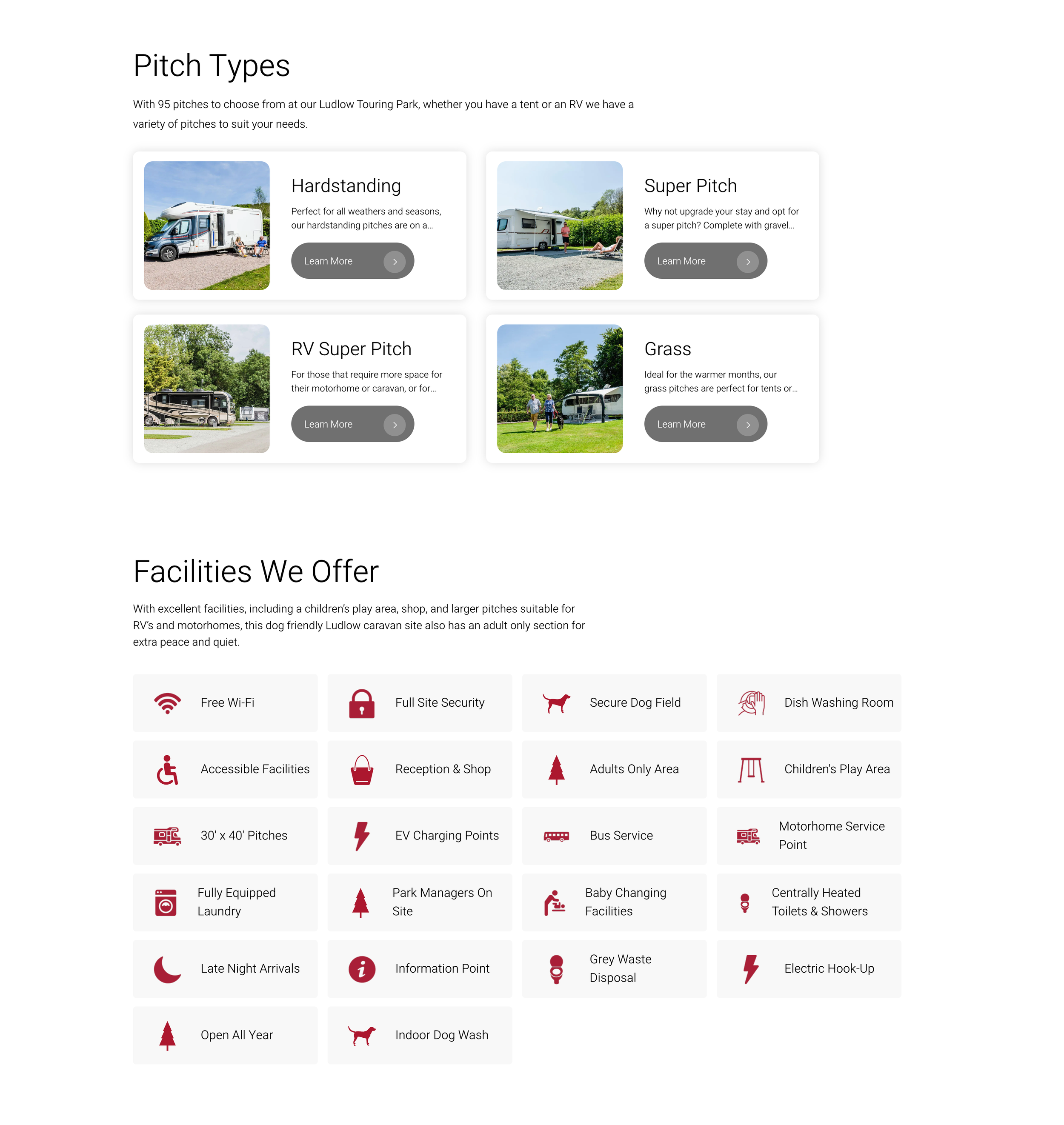
Often this is a deciding factor for people depending on their set-up. Do you have electric hook up, hardstanding pitches, serviced pitches or electric vehicle charging points? What about toilets, showers, chemical waste points, laundry facilities and wifi? And is there a shop on site or nearby?
Use icons to illustrate facilities at a quick glance, followed up by more details elsewhere on your website. Ludlow Touring Park (part of the Morris Leisure group) do this with key information on their homepage although a more detailed "Facilities" page with extra information would be useful.
3. Open dates
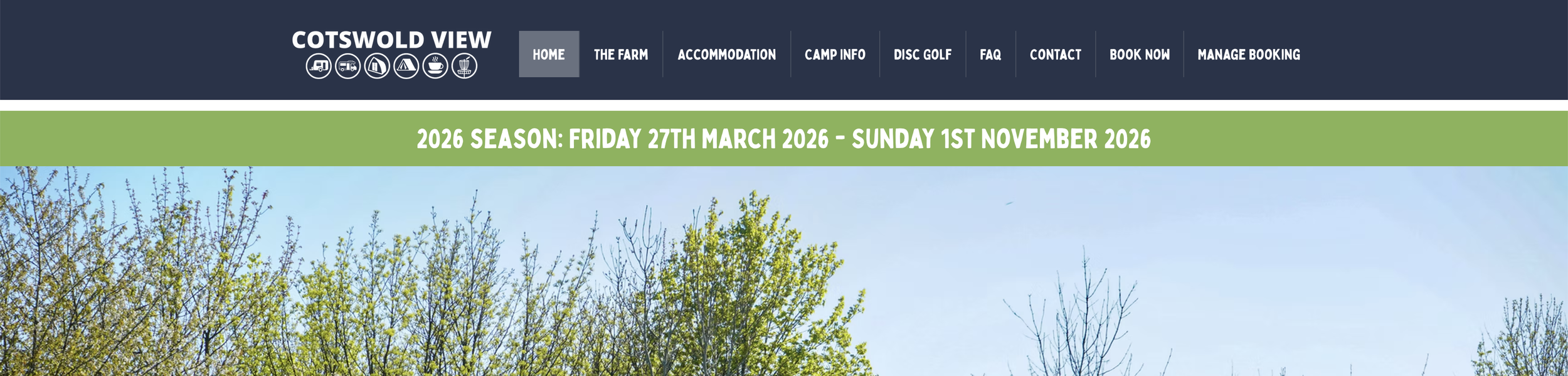
This information is particularly important if you’re a seasonal site closed for the winter. And if you’re open all year - make sure you let people know!
Cotswold View does this well with a banner at the top of their homepage including the open dates, and a prompt to book now.
4. Who is your campsite for - families, adult-only, groups?
Don’t let people read all of your content and fall in love with your campsite before breaking the news that you’re adult only or don’t accept groups. Try and weave this information into your content high up. Phrases like “We’re a family-friendly campsite” or “We welcome groups with our dedicated rally field” are ideal.
Adult-only campsite, The Paddock in Rutland Water also do this very well:
“The Paddock is an adult only caravan and motorhome retreat, ideally located on Rutland water south shore, set in 4 acres with 15 generous size grass pitches. With views of Rutland water this is an ideal base to explore England's smallest county whilst enjoying the peace and tranquillity of its surroundings.”
5. Photos (or videos) of your site
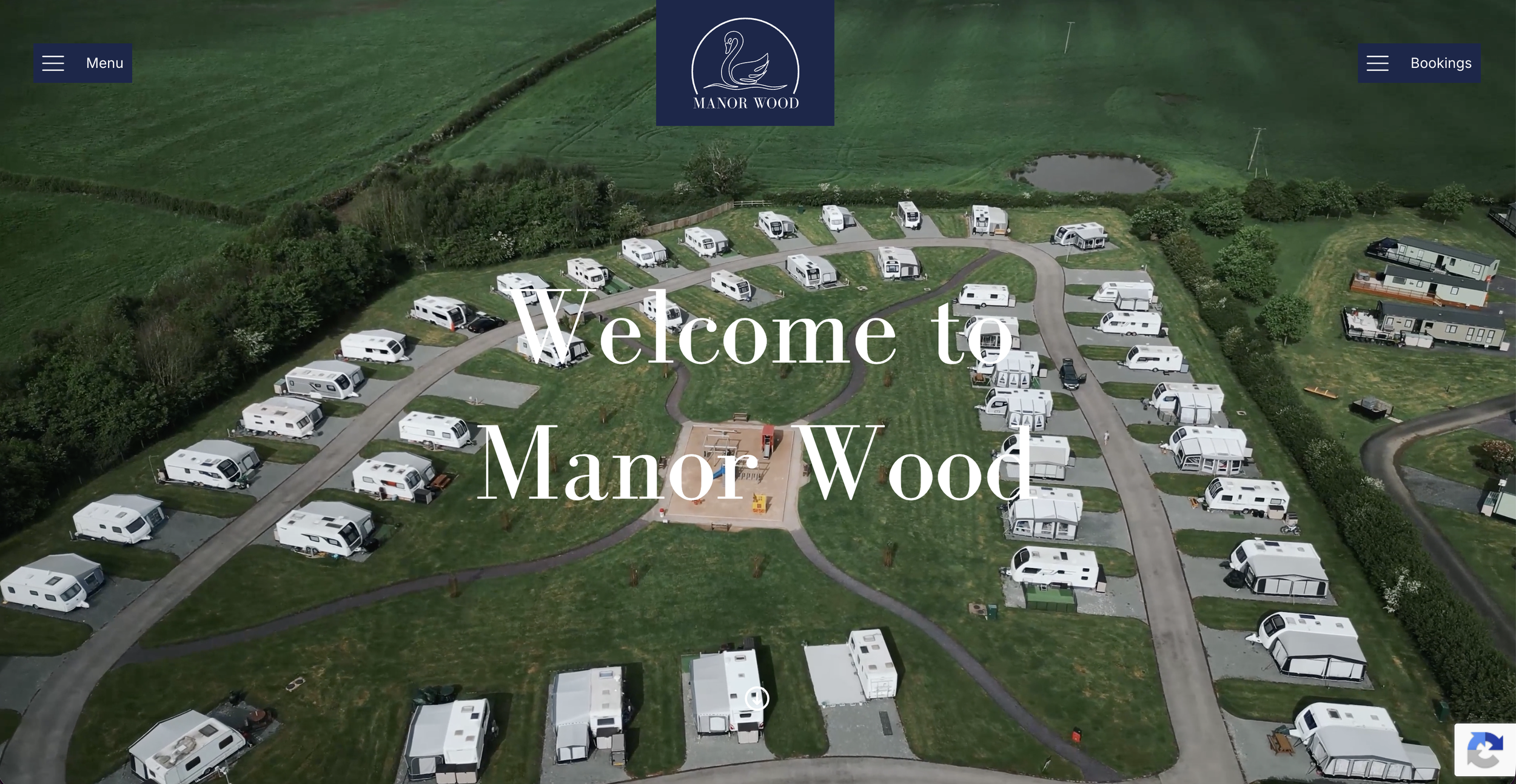
People like to see what they’re booking. It can help them get a feel for the sort of campsite you are and the facilities you offer. If possible, include a few general shots of the campsite and pitches as well as facilities such as showers/toilets or play areas.
Manor Wood has some beautiful video and photography on their homepage to immediately set the scene for the type of place they are. If you haven’t got the budget for the drone videos, a simple aerial shot or a “Gallery” page showcasing the site is still useful.
6. Map of campsite
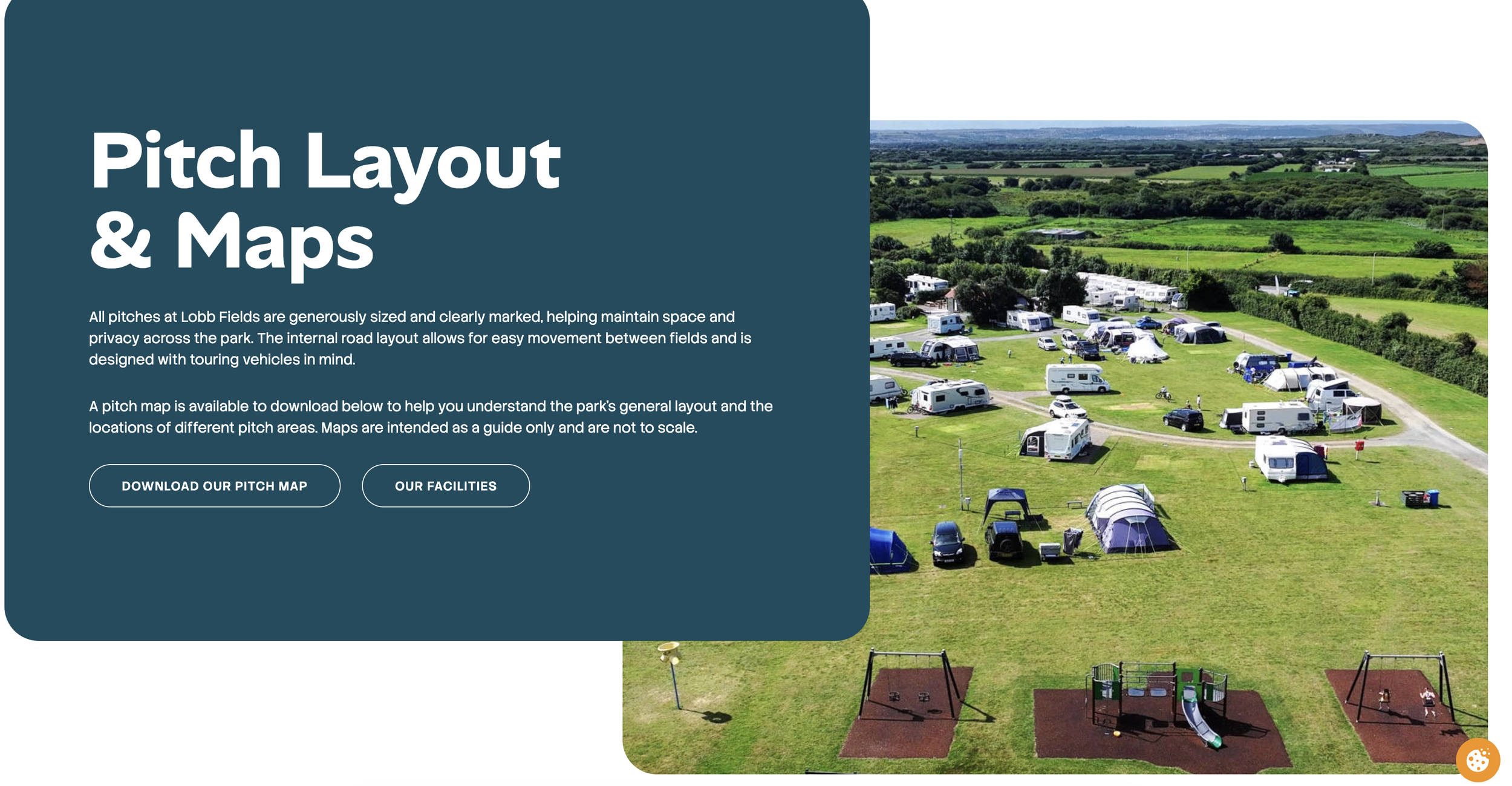
This one is a personal bug bear and has put me off booking sites in the past. Your guests want to know where their pitch will be - whether it’s close to the facilities, whether it gets the sun during the day time, or whether they will be pitched near a public road. A simple map of the campsite with pitch numbers and facilities will help them plan their trip better (and reduce unnecessary enquiries by phone or email as they’re trying to work it out).
Again, Lobb Fields do this very well with a map showing layout and pitches.
7. Availability/online booking facility
Now people know that you’re open, where you are located, what facilities you have, and where they want to pitch to ensure they’ve got the best views and evening sun, they’re ready to book.
Don’t make them phone you to see if you have availability on the dates they’re interested in.
An online booking system lets them find this out themselves, as well as make their booking and reduce your admin burden. CampManager is a popular system for this and allows for different pitch types and a “choose your own pitch” option.
8. Prices
Some people will want to know this information before they make a booking. This is also a good place to highlight any minimum nights, deposit requirements, and differences between low and high season prices. Make it easy to understand at a glance, perhaps in a table format.
9. Site rules
Do you allow campfires? What is the arrival time and departure time? Are their rules about quiet times on site? Do you have restrictions on the type of vehicles you allow? This is key information that people will need when planning their visit and it needs to be on your website.
Don’t hide this information on a “Terms and Conditions” page with legal jargon that people might skim over. An FAQs page isn’t ideal either as it becomes a catch-all for everything but it is often what people will look for. A question and answer format can also help with AI searches. If you do go for this option, using an accordion style layout will ensure your visitors aren’t overloaded.
10. Contact information
And finally, if your content isn’t quite answering a person’s question, don’t make it too difficult for them to contact you. An online contact form is nice to have, but some people will prefer an email address or telephone number. Make it easy.
If you’ve got all that sorted then good job - your visitors will be happy! If you need a bit of help working out what this looks like on your campsite website, I’m happy to chat. Book a call with me to discuss your challenges and to see how I can help.
